
Lipblush - Naturlig farge og frisk glød til leppene
Lipblush - Naturlig farge og frisk glød til leppene
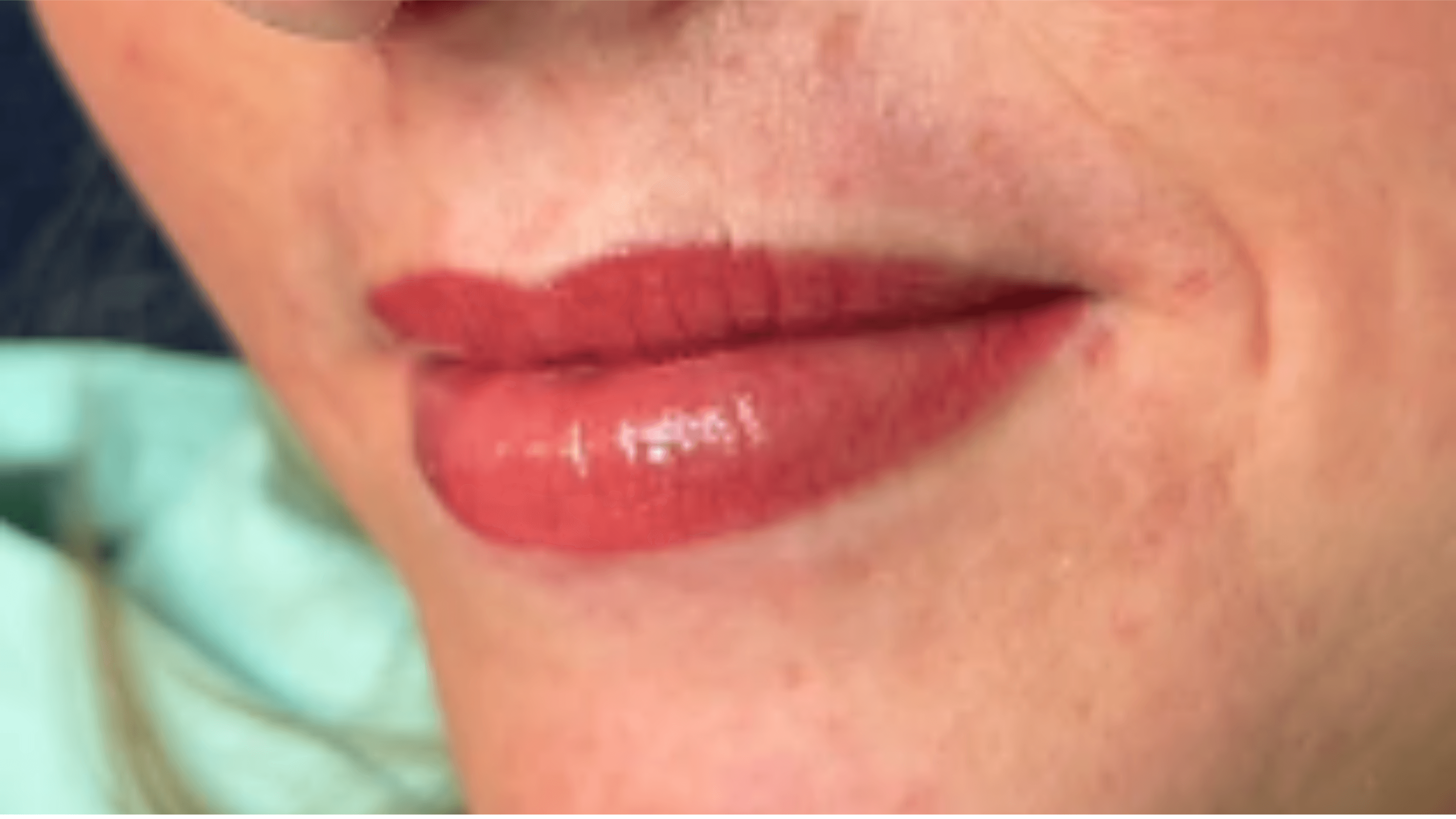
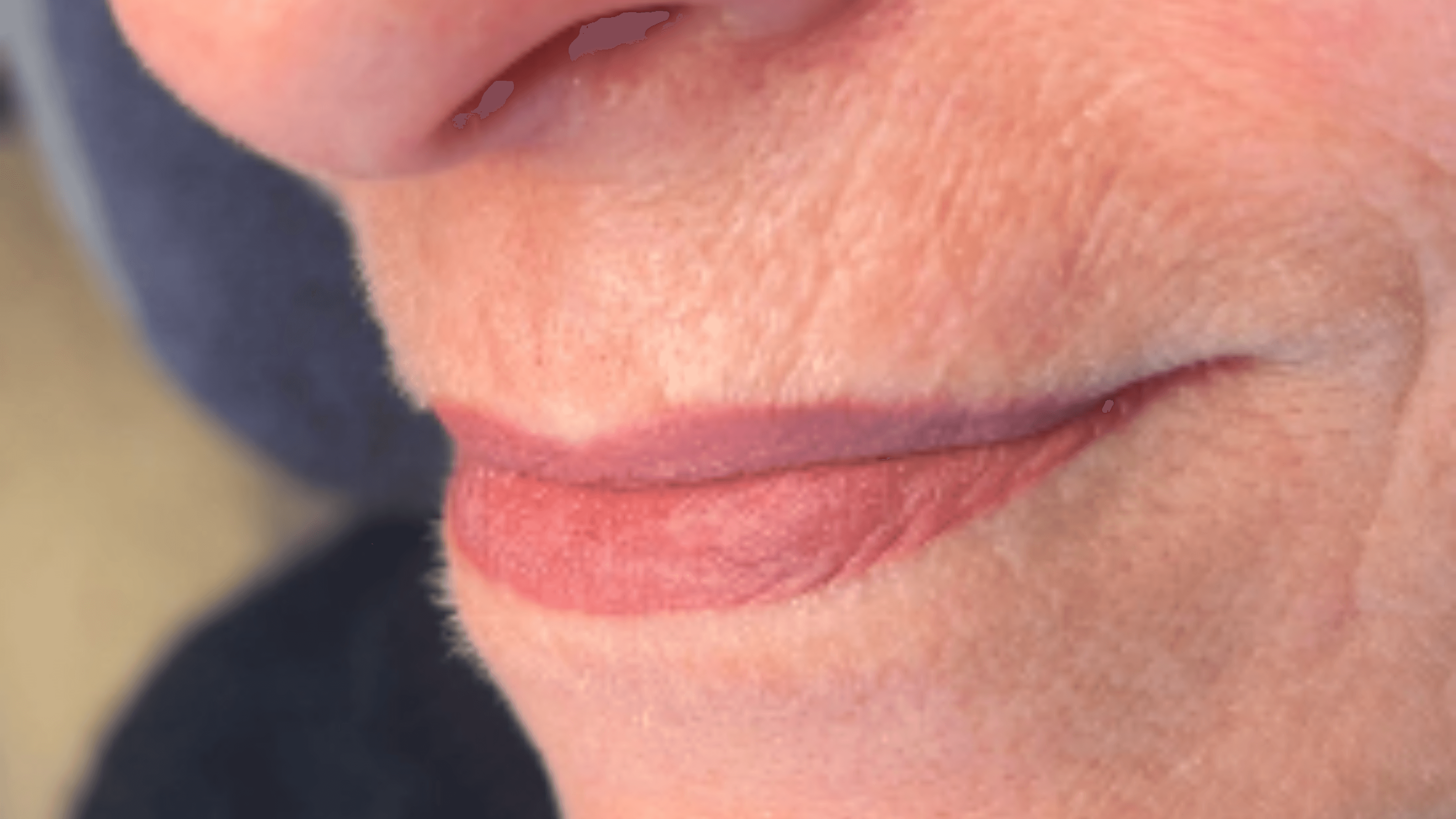
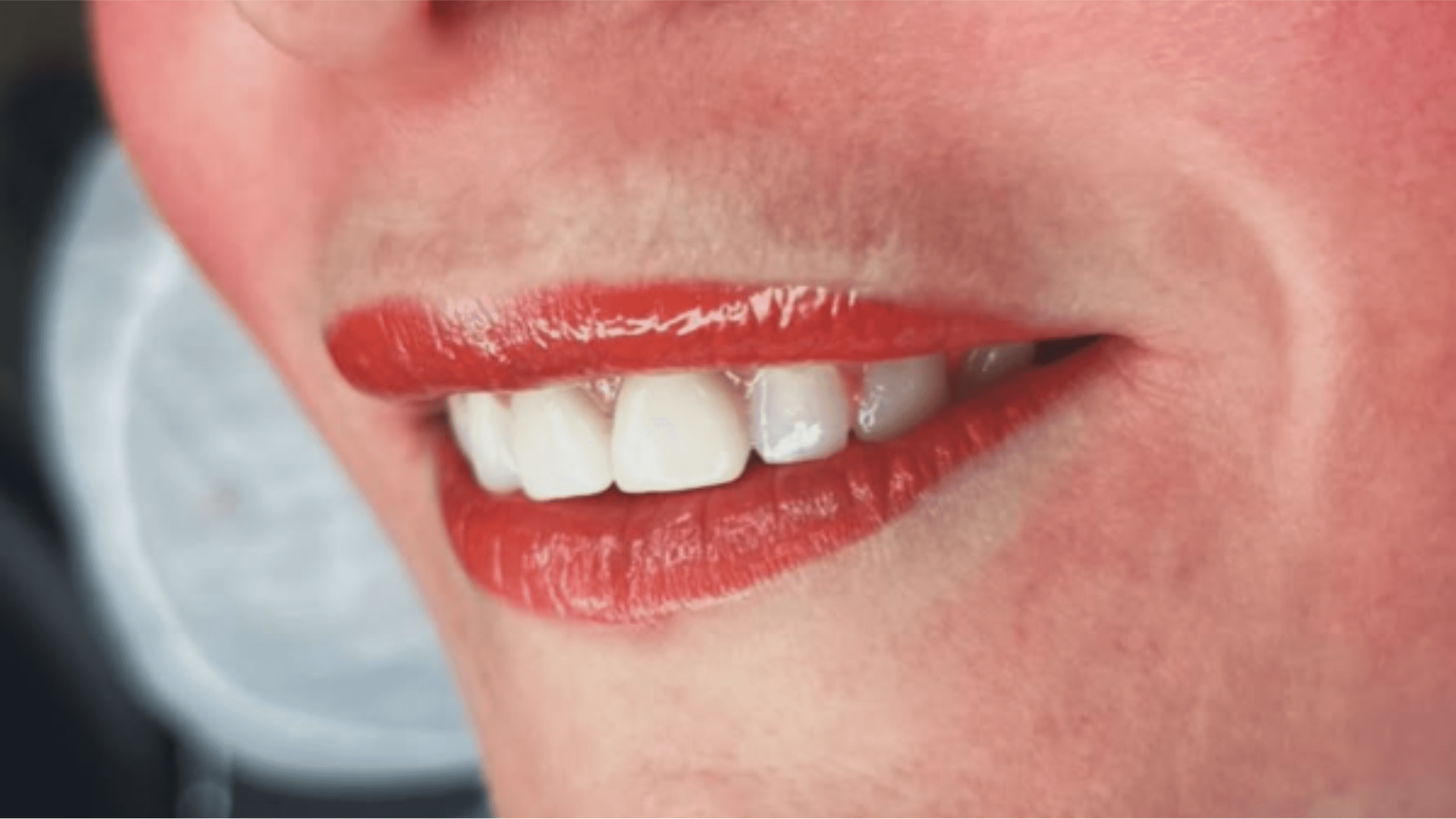
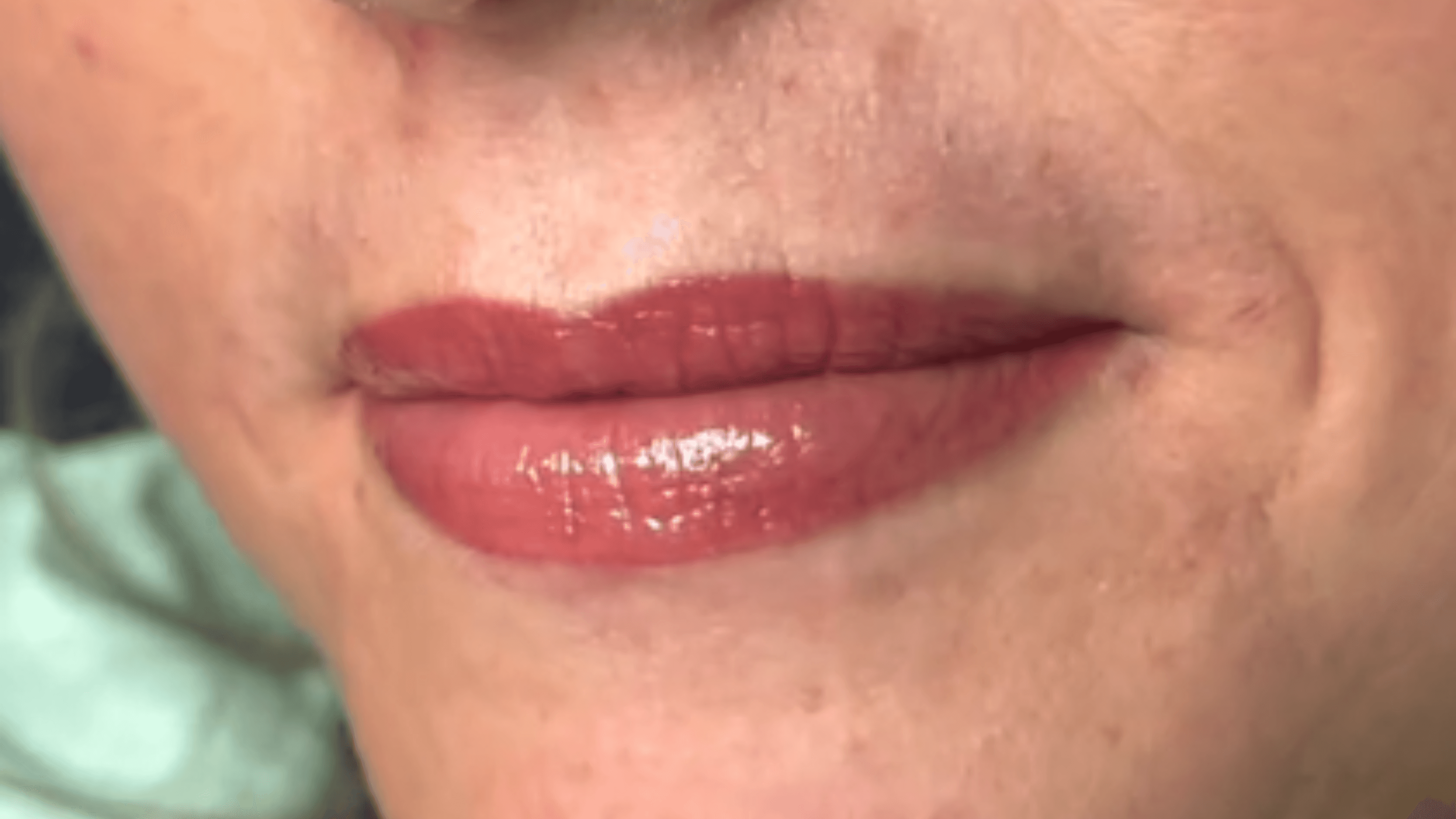
Lipblush gir leppene en naturlig friskhet og jevn fargetone ved å tilføre myke pigmenter i leppenes overflate.
Resultatet er et lett og delikat uttrykk – som om du alltid har perfekt leppefarge uten å måtte bruke sminke.
Behandlingen tilpasses nøye etter din naturlige leppefarge og form, slik at du får et harmonisk, mykt og varig resultat – hver eneste dag.
Lipblush gir leppene en naturlig friskhet og jevn fargetone ved å tilføre myke pigmenter i leppenes overflate.
Resultatet er et lett og delikat uttrykk – som om du alltid har perfekt leppefarge uten å måtte bruke sminke.
Behandlingen tilpasses nøye etter din naturlige leppefarge og form, slik at du får et harmonisk, mykt og varig resultat – hver eneste dag.
Lipblush gir leppene en naturlig friskhet og jevn fargetone ved å tilføre myke pigmenter i leppenes overflate.
Resultatet er et lett og delikat uttrykk – som om du alltid har perfekt leppefarge uten å måtte bruke sminke.
Behandlingen tilpasses nøye etter din naturlige leppefarge og form, slik at du får et harmonisk, mykt og varig resultat – hver eneste dag.

Kontakt
Kontakt
Noe du lurer på?
Noe du lurer på?
Har du spørsmål knyttet til en behandling eller ønsker ytterligere informasjon?
Ikke nøl med å ta kontakt! Jeg hjelper deg!
Har du spørsmål knyttet til en behandling eller ønsker ytterligere informasjon?
Ikke nøl med å ta kontakt! Jeg hjelper deg!
Kontakt
Kontakt
How do I draw Frames?
To draw a Frame, click on Layout in the Toolbar, then select Frame. Now, you can click and drag anywhere on the Canvas.
How do I add images?
To add an image, select any Frame, and either double-click on it, or go to the Fill property. In the Fill property, switch to the image icon. Here, you can upload images.
How do I add videos?
To add a video to your site, click the “Insert” button and navigate to the “Media” section. Then, drag and drop a video component onto the Canvas.
How do I draw Frames?
To draw a Frame, click on Layout in the Toolbar, then select Frame. Now, you can click and drag anywhere on the Canvas.
How do I add images?
To add an image, select any Frame, and either double-click on it, or go to the Fill property. In the Fill property, switch to the image icon. Here, you can upload images.
How do I add videos?
To add a video to your site, click the “Insert” button and navigate to the “Media” section. Then, drag and drop a video component onto the Canvas.
How do I draw Frames?
To draw a Frame, click on Layout in the Toolbar, then select Frame. Now, you can click and drag anywhere on the Canvas.
How do I add images?
To add an image, select any Frame, and either double-click on it, or go to the Fill property. In the Fill property, switch to the image icon. Here, you can upload images.
How do I add videos?
To add a video to your site, click the “Insert” button and navigate to the “Media” section. Then, drag and drop a video component onto the Canvas.
How do I draw Frames?
To draw a Frame, click on Layout in the Toolbar, then select Frame. Now, you can click and drag anywhere on the Canvas.
How do I add images?
To add an image, select any Frame, and either double-click on it, or go to the Fill property. In the Fill property, switch to the image icon. Here, you can upload images.
How do I add videos?
To add a video to your site, click the “Insert” button and navigate to the “Media” section. Then, drag and drop a video component onto the Canvas.
How do I draw Frames?
To draw a Frame, click on Layout in the Toolbar, then select Frame. Now, you can click and drag anywhere on the Canvas.
How do I add images?
To add an image, select any Frame, and either double-click on it, or go to the Fill property. In the Fill property, switch to the image icon. Here, you can upload images.
How do I add videos?
To add a video to your site, click the “Insert” button and navigate to the “Media” section. Then, drag and drop a video component onto the Canvas.
How do I draw Frames?
To draw a Frame, click on Layout in the Toolbar, then select Frame. Now, you can click and drag anywhere on the Canvas.
How do I add images?
To add an image, select any Frame, and either double-click on it, or go to the Fill property. In the Fill property, switch to the image icon. Here, you can upload images.
How do I add videos?
To add a video to your site, click the “Insert” button and navigate to the “Media” section. Then, drag and drop a video component onto the Canvas.
Ofte stilte spørsmål
Ofte stilte spørsmål
Ofte stilte spørsmål

Hos LineUp får du skreddersydde behandlinger utført med presisjon, trygghet og kvalitet.
Book din time i dag!
Hos LineUp får du skreddersydde behandlinger utført med presisjon, trygghet og kvalitet.
Book din time i dag!
Book time
Book time
Hos LineUp får du skreddersydde behandlinger utført med presisjon, trygghet og kvalitet.
Book din time i dag!